Private PDFs on Android: What a Secure Vault Should Actually Protect
Protecting a PDF means more than hiding it from the Downloads folder. Viewing, backup, sharing, and local access all matter.
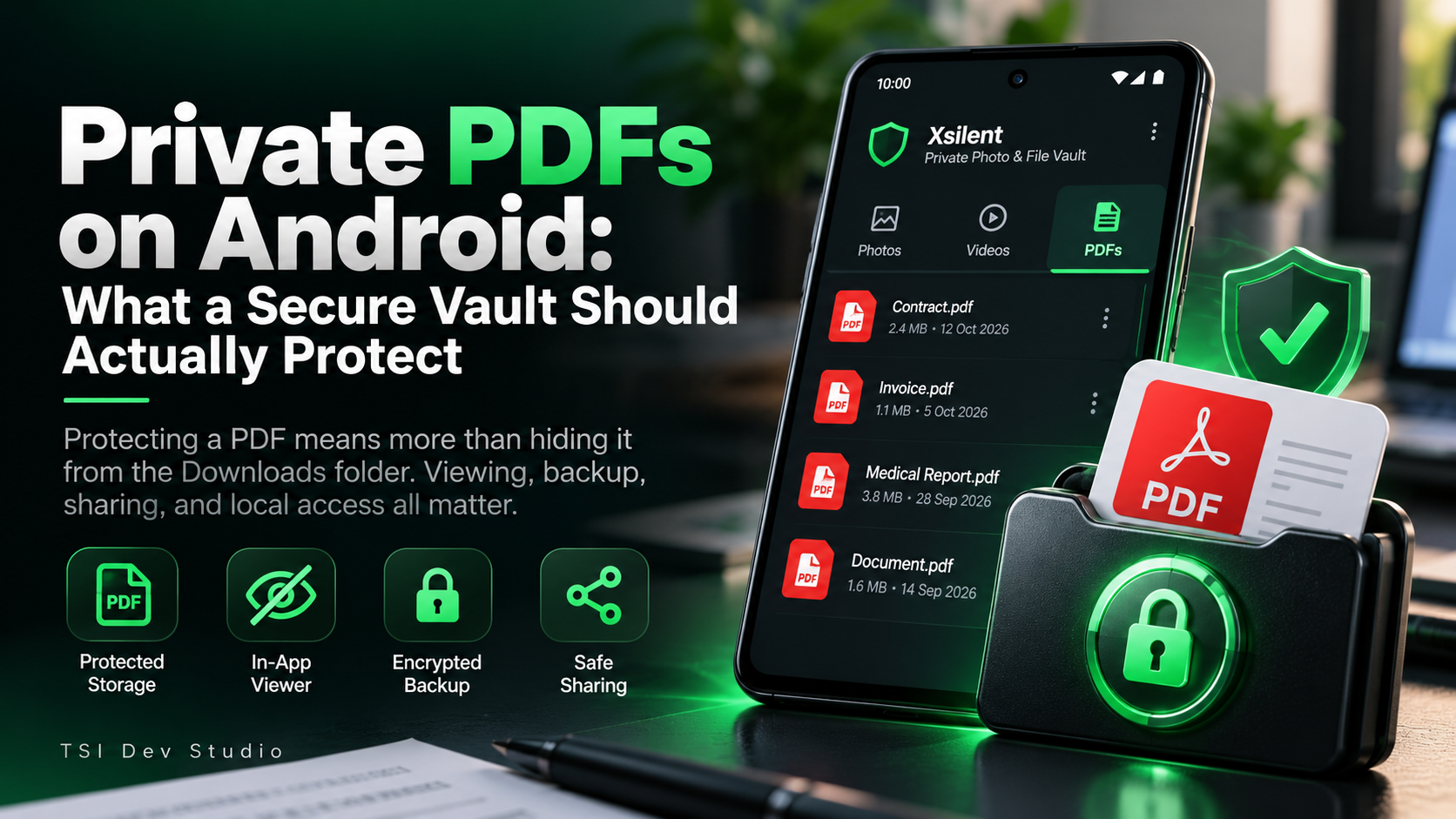
PDFs are often some of the most sensitive files stored on a phone.
They can contain:
contracts
invoices
identity documents
medical records
financial information
work documents
personal reports
Because of that, a private PDF vault should do more than simply hide a file behind a PIN.
Hiding the file is only the first step
A PDF may begin in:
Downloads
Documents
email attachments
messaging folders
Those places are convenient, but they are also easy to browse.
A secure vault should separate private documents from normal file navigation and reduce accidental exposure.
Viewing matters just as much as storage
One thing I think is often overlooked is how the protected PDF is opened.
If the file has to be exported back into regular storage every time the user wants to read it, part of the privacy benefit is lost.
A private in-app viewer can keep the document inside the protected workflow.
That means fewer unnecessary copies and fewer transitions back into ordinary storage.
Local access can simplify the privacy model
For sensitive documents, I prefer a vault that does not require:
a permanent internet connection
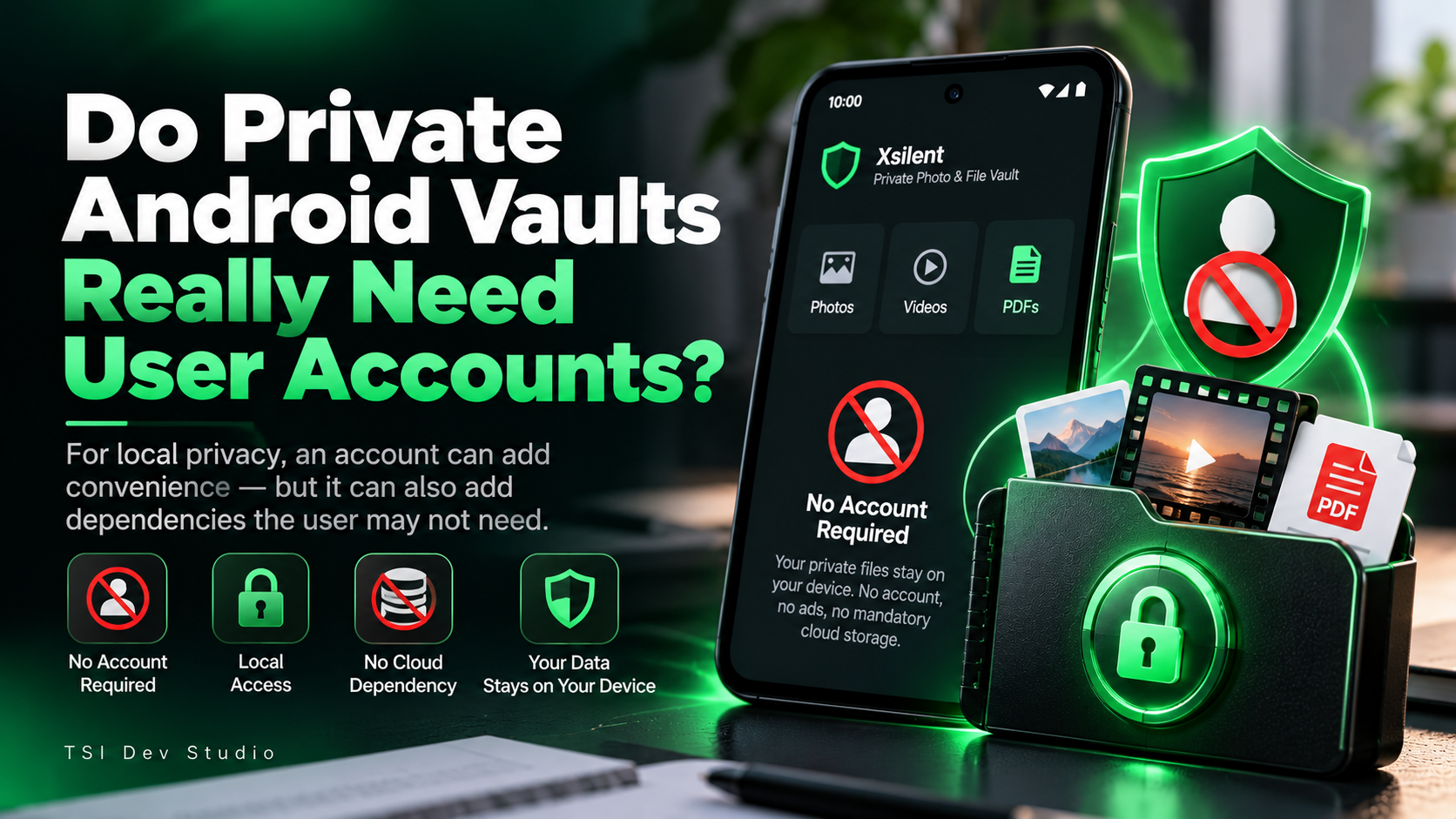
a mandatory online account
cloud storage for normal access
Local access makes the behavior easier to understand.
The file stays available on the device, and the user controls when it is backed up or shared.
Backup should preserve protection
A protected PDF should not become an ordinary unprotected file just because it is included in a backup.
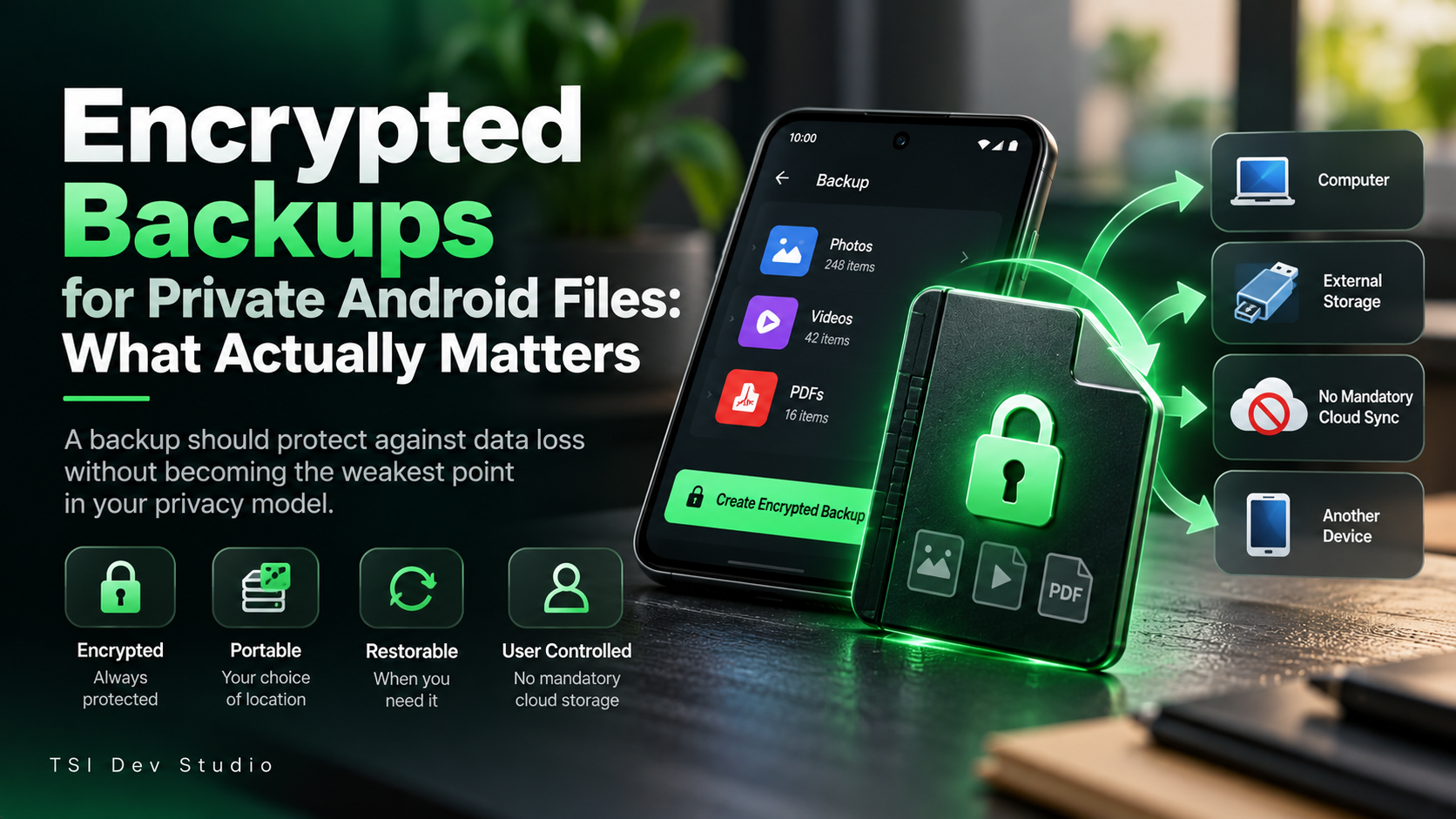
If the backup contains sensitive documents, it deserves the same level of protection as the original vault.
That means thinking about:
encryption
portability
restore reliability
storage location
user control
Sharing is another privacy boundary
PDFs are often sent through email or messaging apps.
That can create additional copies.
Before sharing, it is worth asking:
Which file is leaving the vault?
Does another copy remain in normal storage?
Will the destination app retain its own copy?
Is the document still needed afterward?
The privacy model changes the moment a file leaves the protected environment.
How Xsilent handles private PDFs
Xsilent supports PDFs alongside photos and videos.
The vault is built around local-first access and does not require an account for normal use.
Protected PDFs can be opened with an in-app viewer instead of being moved back into ordinary storage first.
Backup and sharing remain explicit user actions.
That is the model I prefer for sensitive documents.
Final thoughts
A secure PDF vault on Android should protect more than file visibility.
It should also protect the workflow around the file:
storage
viewing
backup
sharing
restore
For private documents, the lock screen is only one part of the system.
More about Xsilent
About the author
- TSI Dev Studio builds privacy-focused and useful Android apps, with a focus on local-first design, simplicity, and user control.
Comments
Join the discussionNo comments yet. Be the first to comment.