Do Private Android Vaults Really Need User Accounts?
For local privacy, an account can add convenience — but it can also add dependencies the user may not need
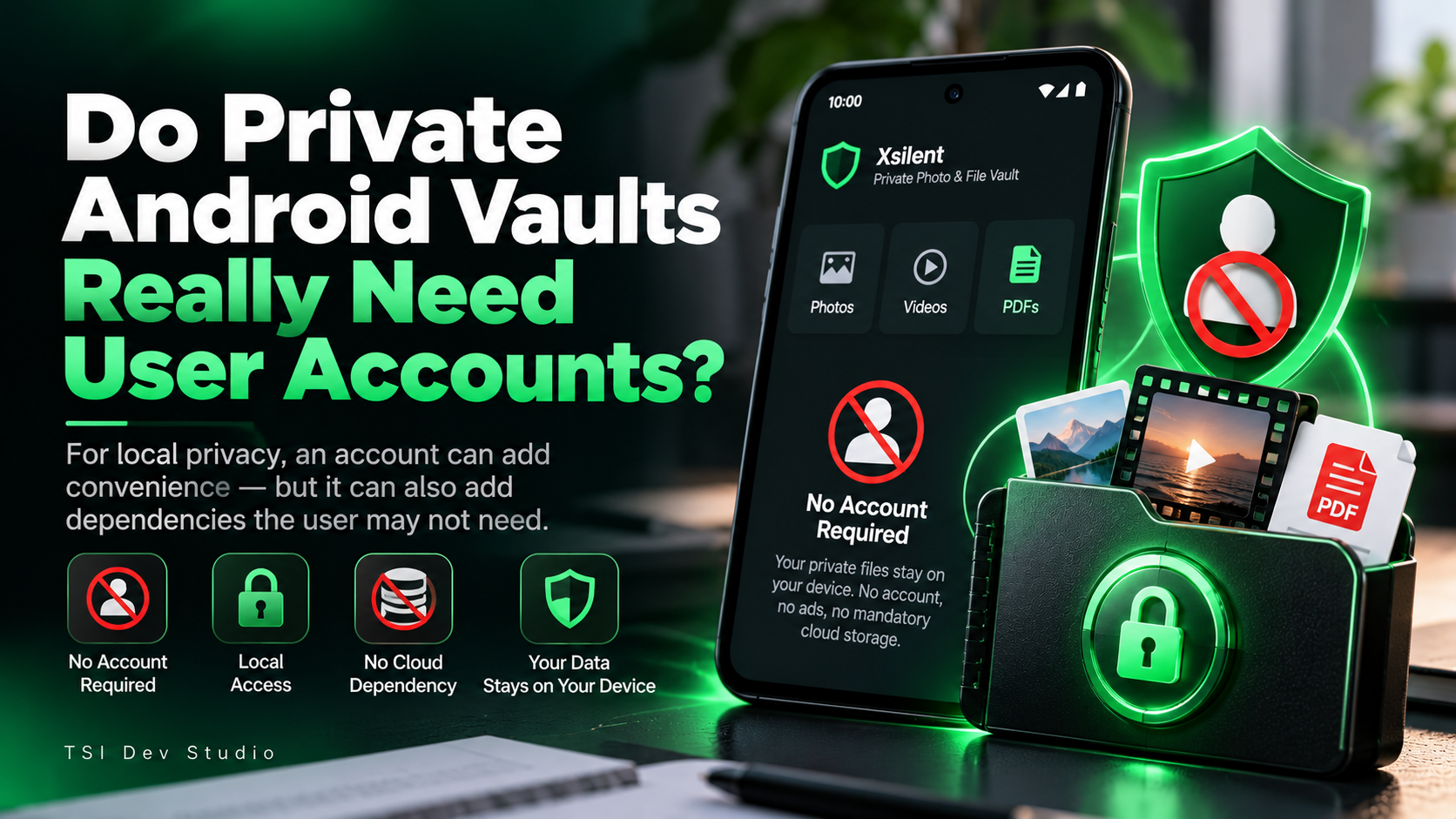
A lot of privacy apps begin with the same step:
Create an account.
That can make sense when the product depends on cloud sync, remote recovery, or multi-device access.
But for a private Android vault whose main job is to protect files already on one device, I think the question is worth asking:
Does the vault actually need to know who the user is?
Accounts are useful when the product needs them
An account can enable things such as:
synchronization across devices
cloud backup
remote access
subscription management
online recovery
Those are real benefits.
But they also introduce new dependencies:
email addresses
passwords
login sessions
remote authentication
recovery systems
server availability
For some products, that trade-off is absolutely worth it.
For a local-first privacy tool, it may not be.
Authentication and identity are not the same thing
A private vault still needs authentication.
But authentication does not always require an online identity.
Access can be controlled locally through:
a vault PIN
biometric authentication
device security
local locking rules
The app only needs to verify that access is authorized.
It does not necessarily need an email address or cloud profile to do that.
Fewer dependencies make the privacy model easier to understand
One thing I value in privacy-focused apps is predictability.
If access depends entirely on the device, the user knows what the critical path is.
If access depends on an external account, more questions appear:
What happens if the server is unavailable?
What happens if the session expires?
What data is stored remotely?
What recovery information exists?
Does the account remain necessary forever?
That is not automatically bad.
It is simply a different design model.
Account-free does not mean backup-free
There is an obvious trade-off.
If no remote account exists, the app cannot magically recover private files from a server after a device is lost.
That means backup design becomes even more important.
A local-first vault should give users a clear way to protect against data loss without forcing cloud storage.
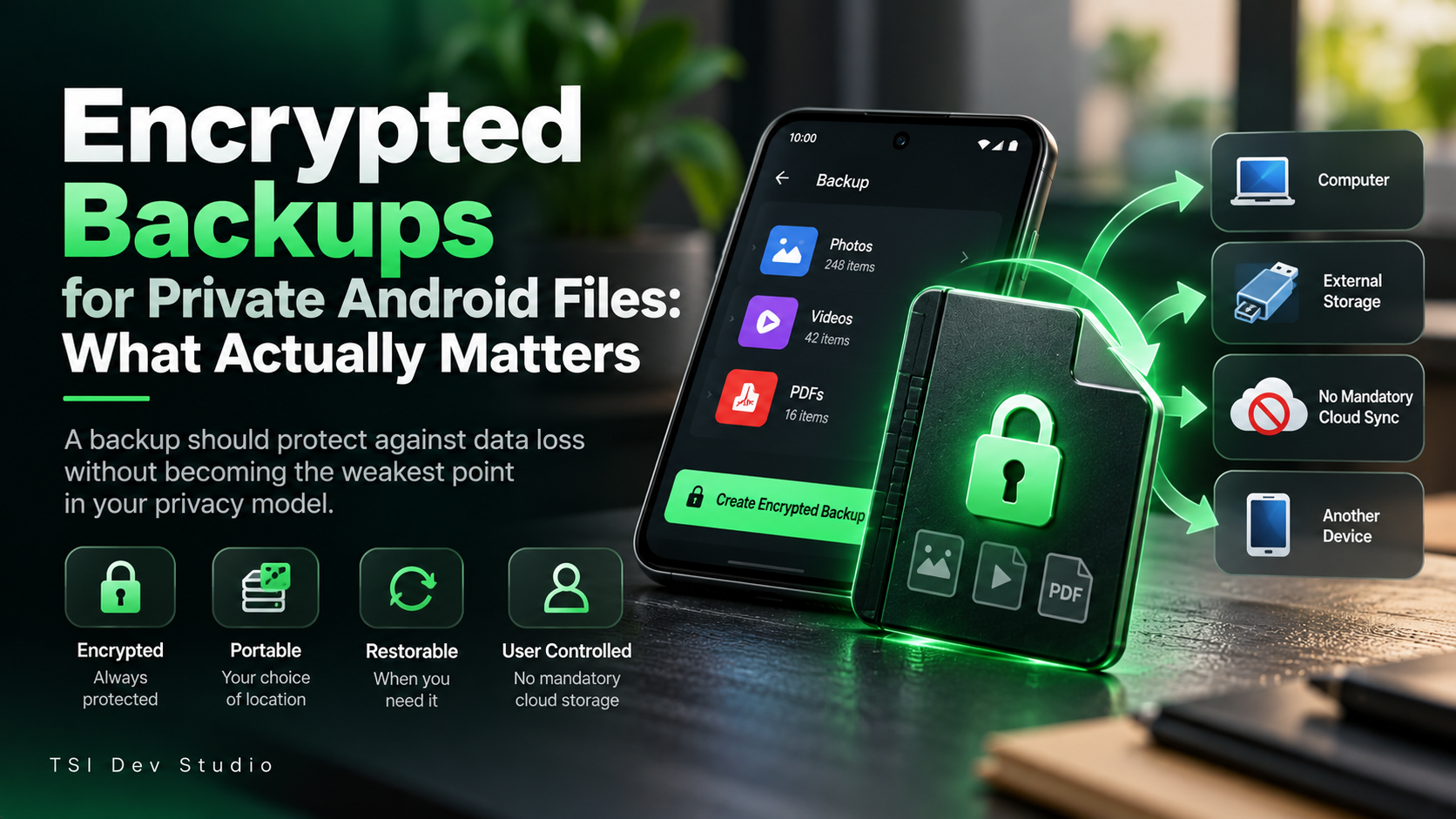
For me, that means encrypted, portable, user-controlled backup.
The main benefit is data minimization
If an app can do its job without collecting identity information, sometimes the simplest approach is not to collect it.
That reduces the number of systems involved in normal use.
For a private vault, the model becomes straightforward:
the files stay local
access is local
backup is optional
sharing is explicit
The app does not need to build an identity layer around data that was already private on the device.
How Xsilent approaches this
Xsilent does not require an account for normal use.
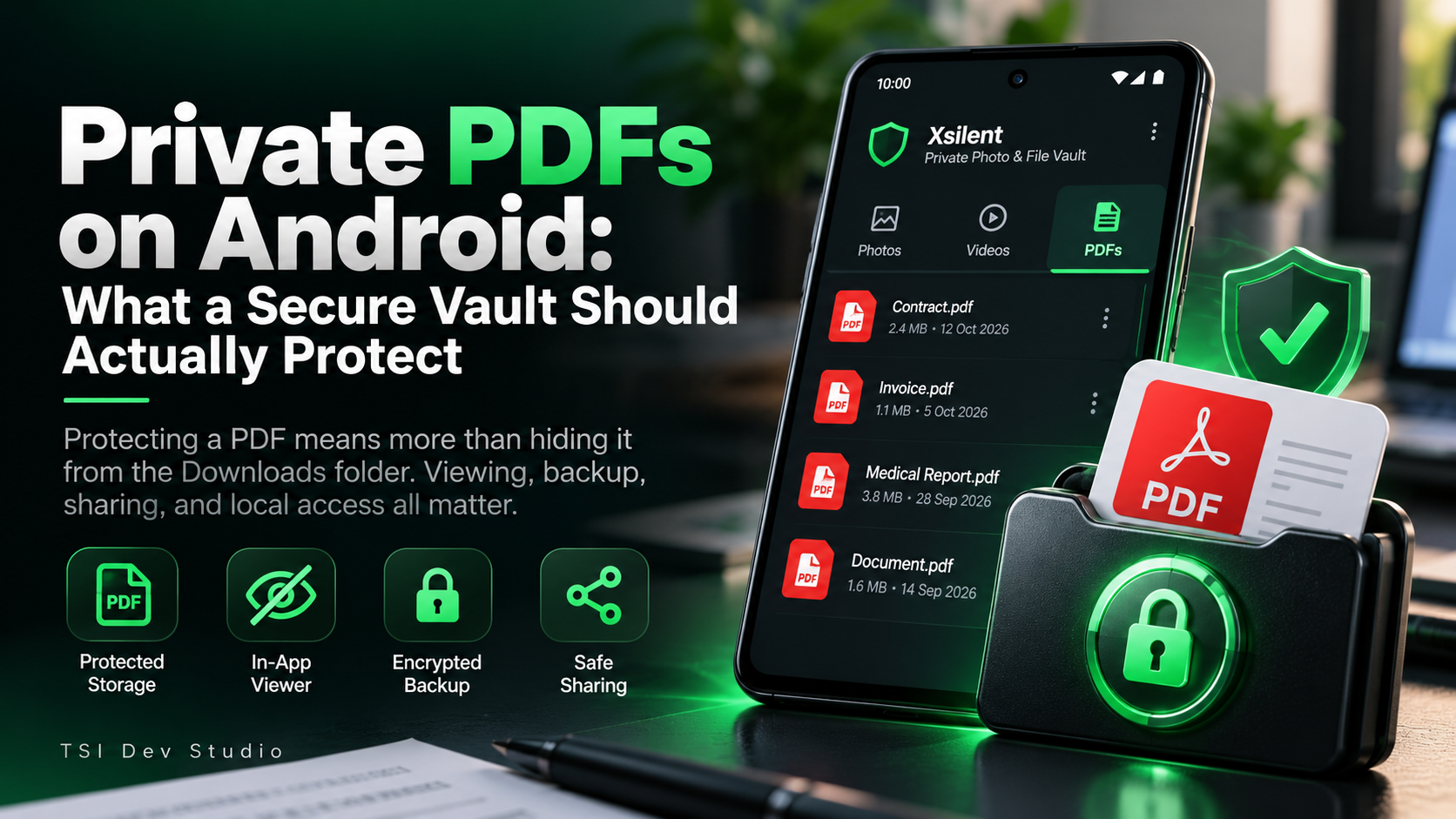
Private photos, videos, and PDFs are protected locally.
Access is handled on the device, while backup and sharing remain separate user actions.
That keeps the core vault independent from a remote identity system.
Final thoughts
An account can be useful.
But it should solve a real product requirement.
For a private Android vault, I think the better question is not:
“Why doesn’t this app have an account?”
It is:
“What would an account add that the vault genuinely needs?”
If the answer is cloud sync or multi-device access, that may be worthwhile.
If the goal is simply to protect private files locally, an account may be unnecessary.
More about Xsilent
About the author
- TSI Dev Studio builds privacy-focused and useful Android apps, with a focus on local-first design, simplicity, and user control.
Comments
Join the discussionNo comments yet. Be the first to comment.