Encrypted Backups for Private Android Files: What Actually Matters
A backup should protect against data loss without becoming the weakest point in your privacy model.
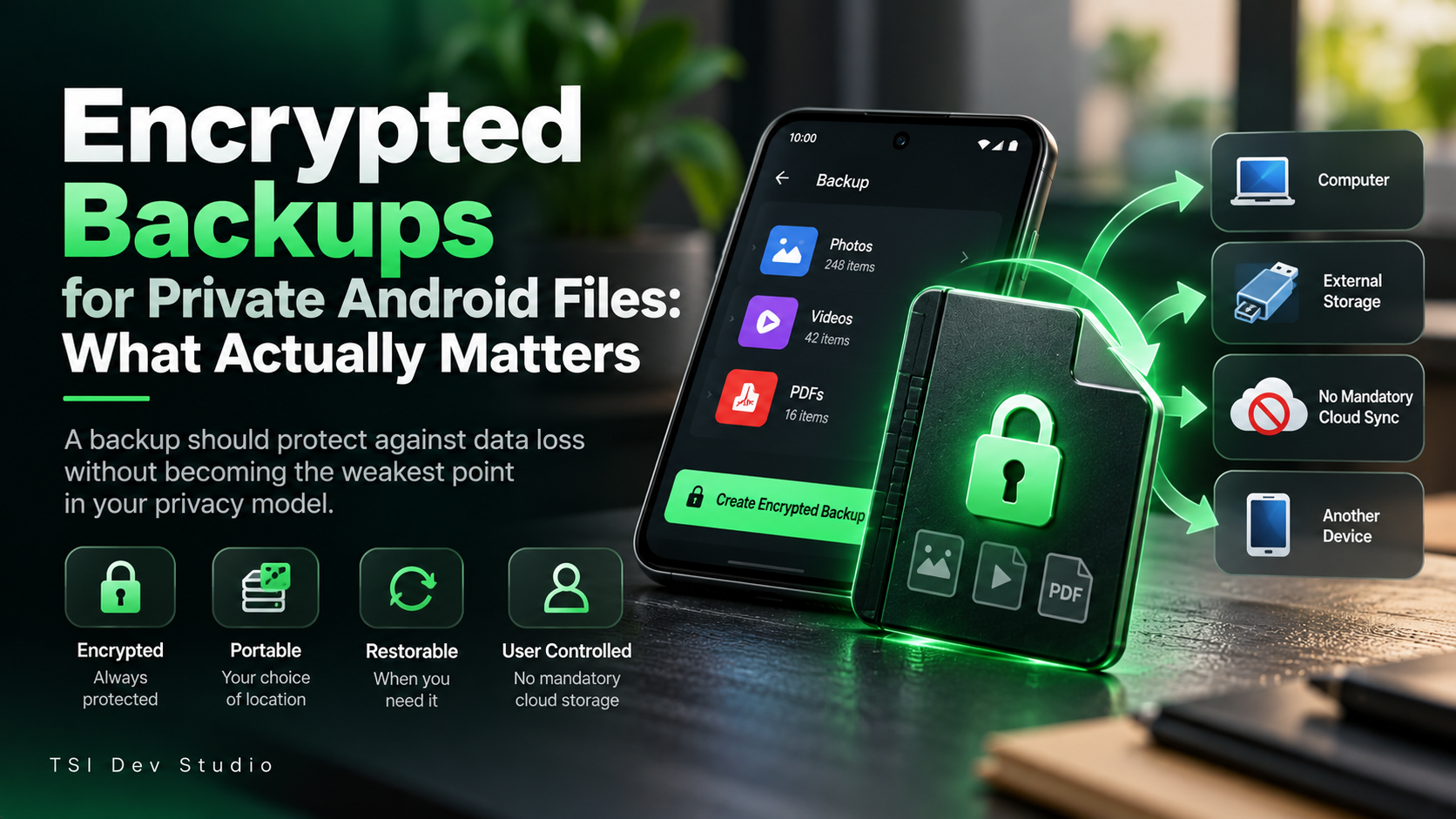
A private vault can protect sensitive files very well and still fail badly if the backup design is weak.
That is because a backup is not just a safety feature.
It is another copy of the same private data.
For photos, videos, and documents, that means the backup deserves the same privacy thinking as the original vault.
The backup can become the weak link
Imagine a vault that protects files locally, but then exports an ordinary unprotected archive.
At that point, the privacy model changes.
The original files may be protected, but the backup may now be:
easy to browse
easy to copy
easy to leave behind
stored somewhere less secure
That defeats part of the purpose of the vault.
Encryption should survive the backup process
A backup of private data should stay protected after it leaves the main vault.
That is especially important if the backup is moved to:
a computer
external storage
another device
removable media
a user-chosen archive location
The destination may change.
The protection should not.
Portability matters too
A useful backup should not be trapped inside one device.
If a phone is lost or replaced, the user should have a realistic way to restore private content.
That means backup design should consider:
portability
validation
restore reliability
compatibility with future app versions
clear user control
Backup is not complete until restore has been thought through.
Automatic cloud backup is not the only model
Cloud backup is convenient and can be a good choice.
But it should not be the only option for users who want local-first privacy.
Some people prefer to decide exactly where a backup goes.
That can make the system easier to reason about.
The user knows:
when the backup was created
where it is stored
how many copies exist
when it should be replaced
whether it is still needed
A backup should be deliberate
For highly sensitive files, I prefer backup to be an explicit action.
That creates a clear boundary.
The user chooses when another copy is created.
That is different from silent or continuous synchronization.
Neither model is universally better.
But for privacy-sensitive content, visible user control can be valuable.
Restore deserves equal attention
Many backup systems focus on creation and treat restore as secondary.
That is a mistake.
A strong restore flow should answer:
Is the backup valid?
Is it complete?
Can it be opened safely?
Will files return to the protected environment?
What happens if the archive is damaged?
A backup that cannot be restored reliably is not much of a backup.
How Xsilent approaches backup
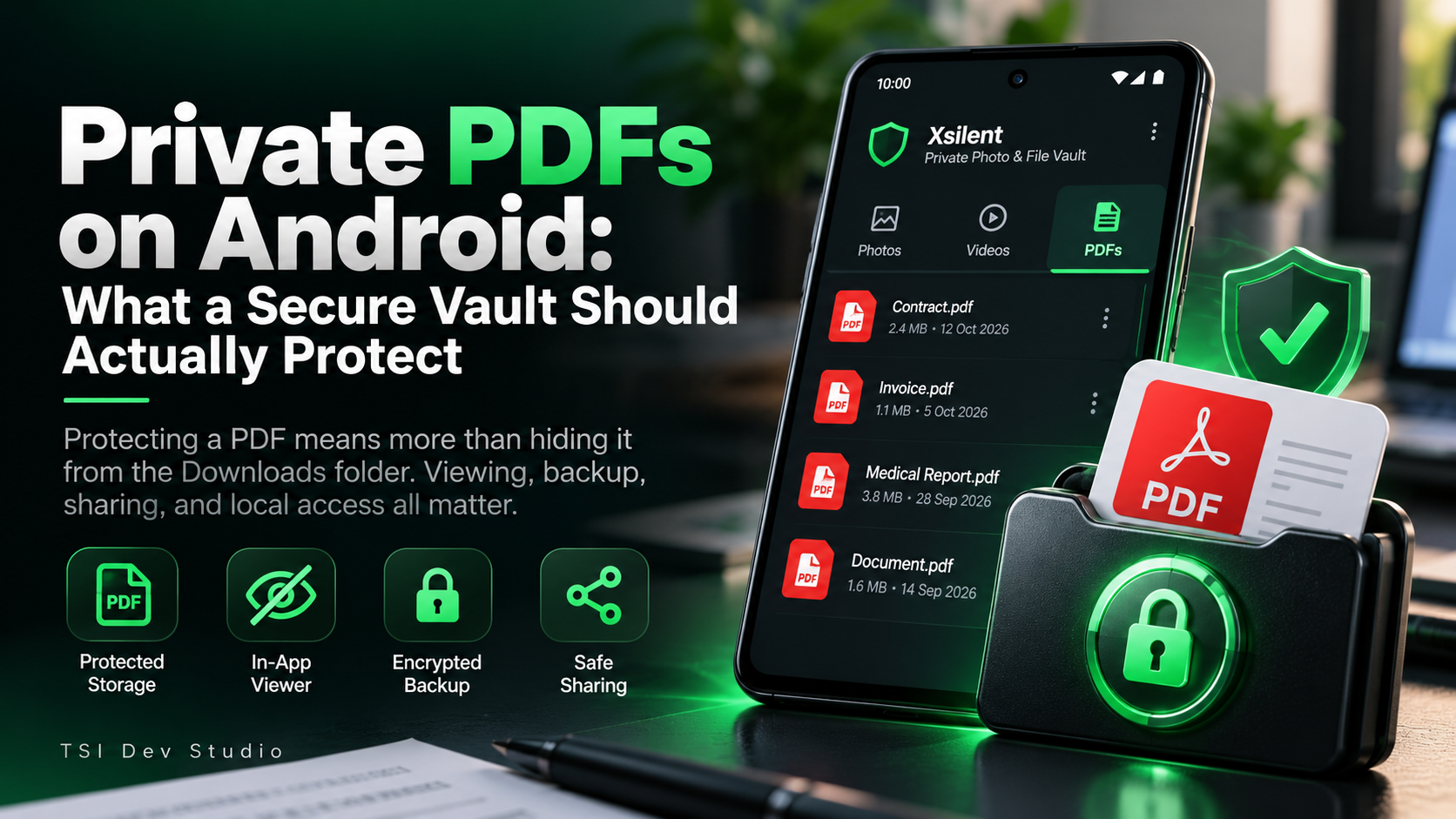
Xsilent includes an encrypted portable backup for protected content.
The goal is to let users protect against data loss without requiring mandatory cloud storage.
The backup can remain protected while the user decides where it should be kept.
That keeps the backup model consistent with the rest of the app:
local-first, explicit, and user-controlled.
Final thoughts
A good backup should solve one problem without creating another.
It should protect against loss without increasing unnecessary exposure.
For private Android files, the most important properties are simple:
encrypted
portable
restorable
user-controlled
If those are missing, the backup may become the weakest part of the privacy system.
More about Xsilent
About the author
- TSI Dev Studio builds privacy-focused and useful Android apps, with a focus on local-first design, simplicity, and user control.
Comments
Join the discussionNo comments yet. Be the first to comment.