Before You Share a Photo on Android, Check What It Reveals
Faces, addresses, notifications, and background details can expose more than the photo itself.
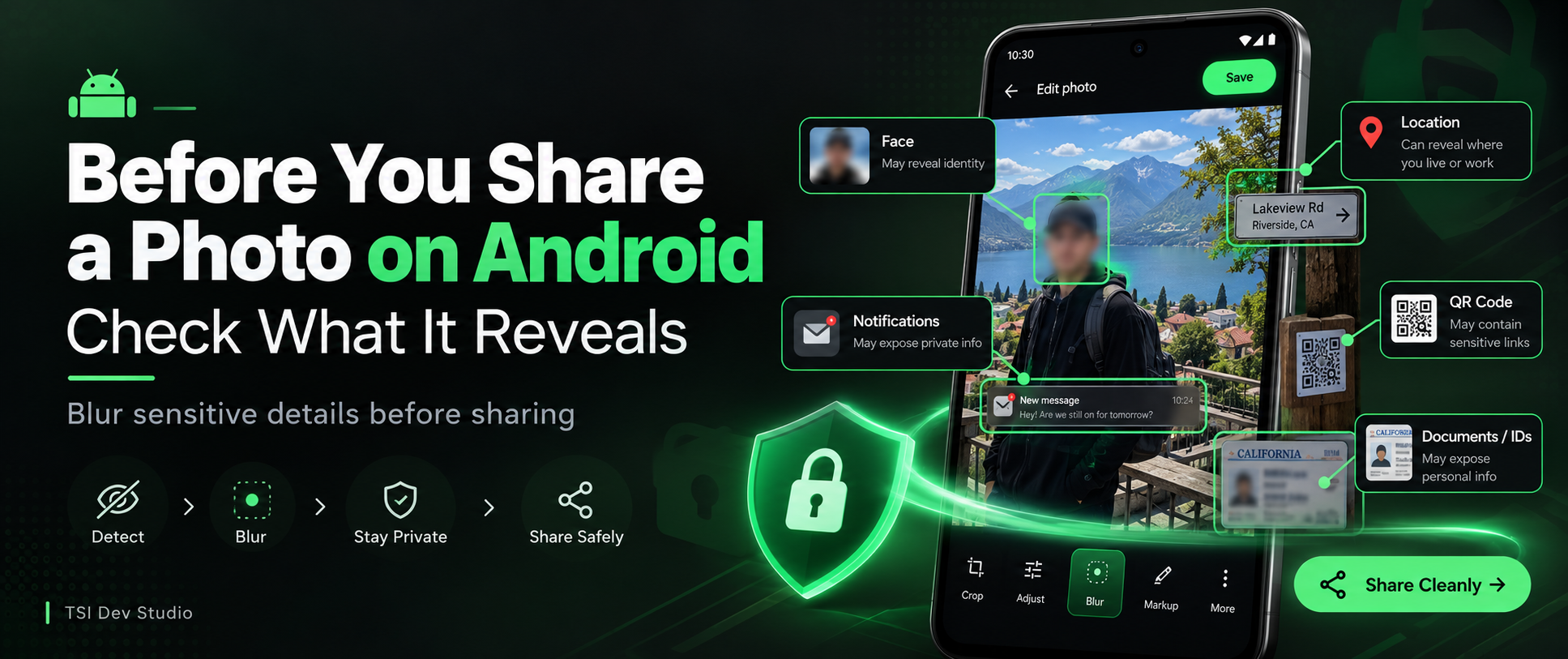
A photo can look harmless and still reveal more than you intended.
Before sharing an image from Android, I think it is worth checking two different things:
what is hidden inside the file
what is visible inside the image
The second part is easy to overlook.
Visible details can be more sensitive than metadata
A photo may contain:
faces
addresses
license plates
account numbers
documents
notifications
QR codes
usernames
private background details
None of these need to be the main subject of the photo.
They can appear in the background, in reflections, on screens, or in corners.
Screenshots deserve extra attention
Screenshots are especially easy to overshare.
They may include:
contact names
profile photos
timestamps
notifications
conversations
account information
status details
The useful part of the screenshot may be only a small section.
Everything else may be unnecessary exposure.
Blur only what does not need to be visible
The goal is not to destroy the image.
It is to remove information that does not help the recipient.
That might mean blurring:
a face
an address
a number
a notification
part of a document
a background screen
A small edit can make a big difference.
Keep the original separate
For privacy-sensitive sharing, I prefer not to modify the original protected file.
A cleaner approach is:
keep the original intact
create a separate shareable copy
blur sensitive details in that copy
remove unnecessary metadata
share only the prepared version
That creates a clear boundary between private storage and public or external sharing.
Why this matters in a vault
A private vault should not only protect files while they are stored.
The sharing step matters too.
That is often the moment when control over a file changes.
Once an image is sent, the recipient or destination app may keep another copy.
So it makes sense to prepare the image before that transition happens.
How Xsilent approaches this
Xsilent includes a Clean Share workflow for photos.
It can be used to:
blur faces
manually blur sensitive areas
remove metadata
optionally add a watermark
The original remains protected in the vault while a separate version is prepared for sharing.
That keeps privacy part of the workflow instead of treating it as an afterthought.
Final thoughts
Photo privacy is not just about hiding files.
It is also about deciding what information should leave the device.
Before sharing, a quick review of faces, text, addresses, notifications, and background details can prevent accidental exposure.
For sensitive images, preparing a separate copy is often the cleaner approach.
More about Xsilent
About the author
- TSI Dev Studio builds privacy-focused and useful Android apps, with a focus on local-first design, simplicity, and user control.
Comments
Join the discussionNo comments yet. Be the first to comment.