Screenshots on Android Often Reveal More Than You Intended
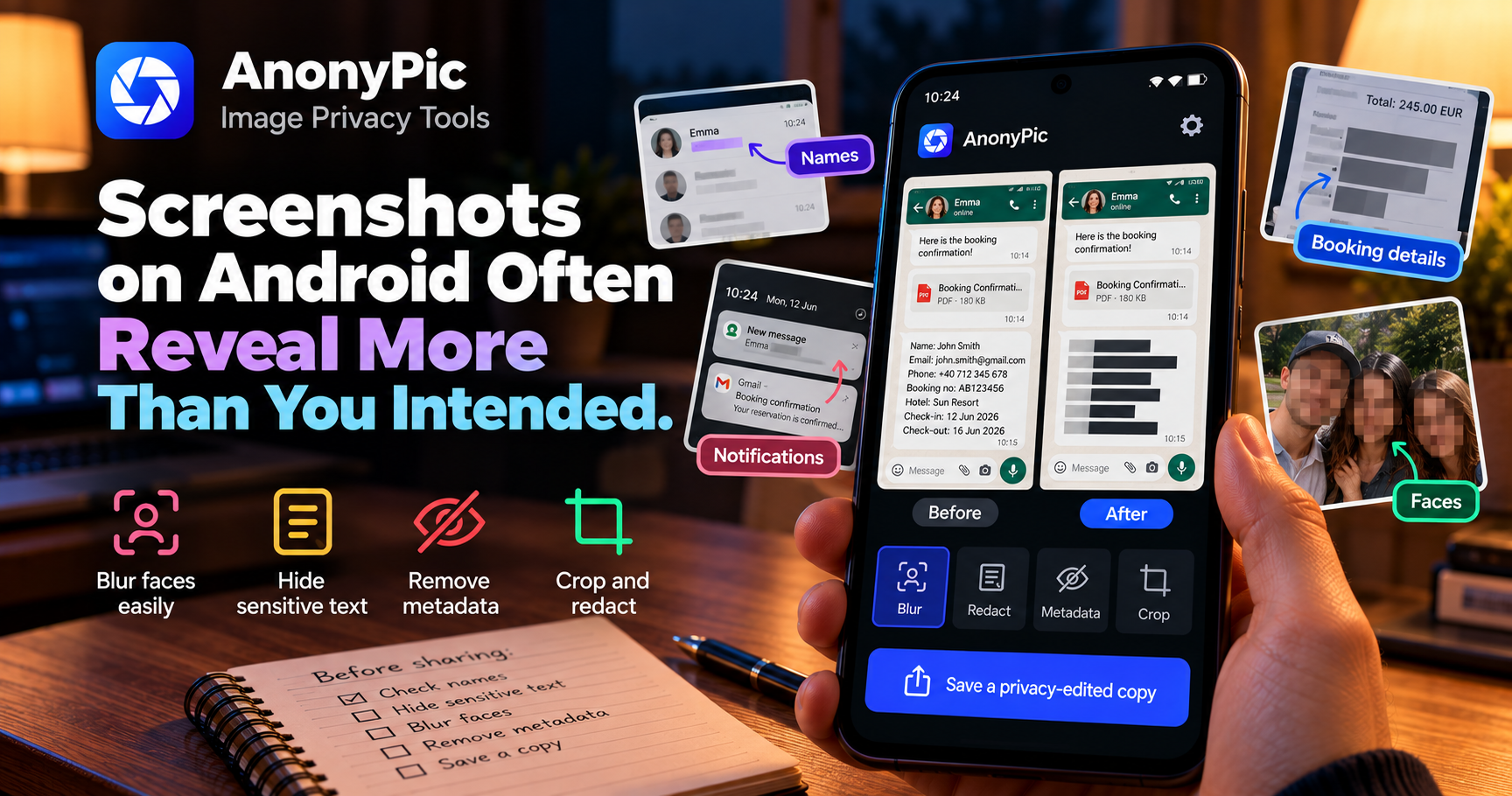
A screenshot can expose names, messages, booking details, notifications, and account information long before metadata becomes the main concern.
Screenshots are one of the fastest ways to share information from a phone.
That convenience also makes them easy to overshare.
A screenshot may contain exactly one useful detail and several private details the recipient never needed to see.
Screenshots preserve context
When you capture a screen, Android does not know which part matters.
It captures everything visible.
That can include:
- contact names
- profile photos
- notifications
- timestamps
- booking references
- addresses
- email addresses
- account numbers
- usernames
- private conversations
The problem is rarely the screenshot itself.
The problem is everything surrounding the information you meant to share.
Cropping helps, but it is not always enough
Sometimes the solution is simple.
If sensitive information appears near the edge of the image, cropping can remove it.
But private details may be located directly beside the useful content.
For example, a booking confirmation may contain:
- the booking number you want to show
- your full name
- email address
- phone number
- travel dates
- destination
You may need some of that information to remain visible.
The rest needs redaction.
Redaction should be deliberate
A privacy edit should leave no ambiguity about whether sensitive information is still readable.
Weak blur or partial coverage can create a false sense of protection.
For sensitive text, the goal is simple:
make the information unreadable before the image leaves your device.
That may mean:
- strong blur
- solid redaction
- covering the entire text area
- removing unnecessary sections completely
Faces can appear in screenshots too
Screenshots are not always text-only.
They may include:
- profile photos
- video-call frames
- social media posts
- contact avatars
- photos embedded in conversations
If a person's identity is not relevant to what you are sharing, their face may need to be hidden as well.
Keep the original and the shared version separate
I prefer treating the source screenshot and the redacted screenshot as two different files.
The original stays available if you still need the complete information.
The second version is prepared specifically for sharing.
That creates a cleaner workflow:
- capture the screenshot
- crop unnecessary areas
- redact sensitive text
- blur faces if needed
- review the entire image
- save a separate shareable copy
Check the whole screen one more time
Before sending the edited version, scan it again.
Look at:
- the status bar
- notification previews
- corners
- names
- avatars
- numbers
- background windows
- QR codes
- addresses
The privacy issue you miss is often somewhere you were not originally looking.
How AnonyPic approaches screenshot privacy
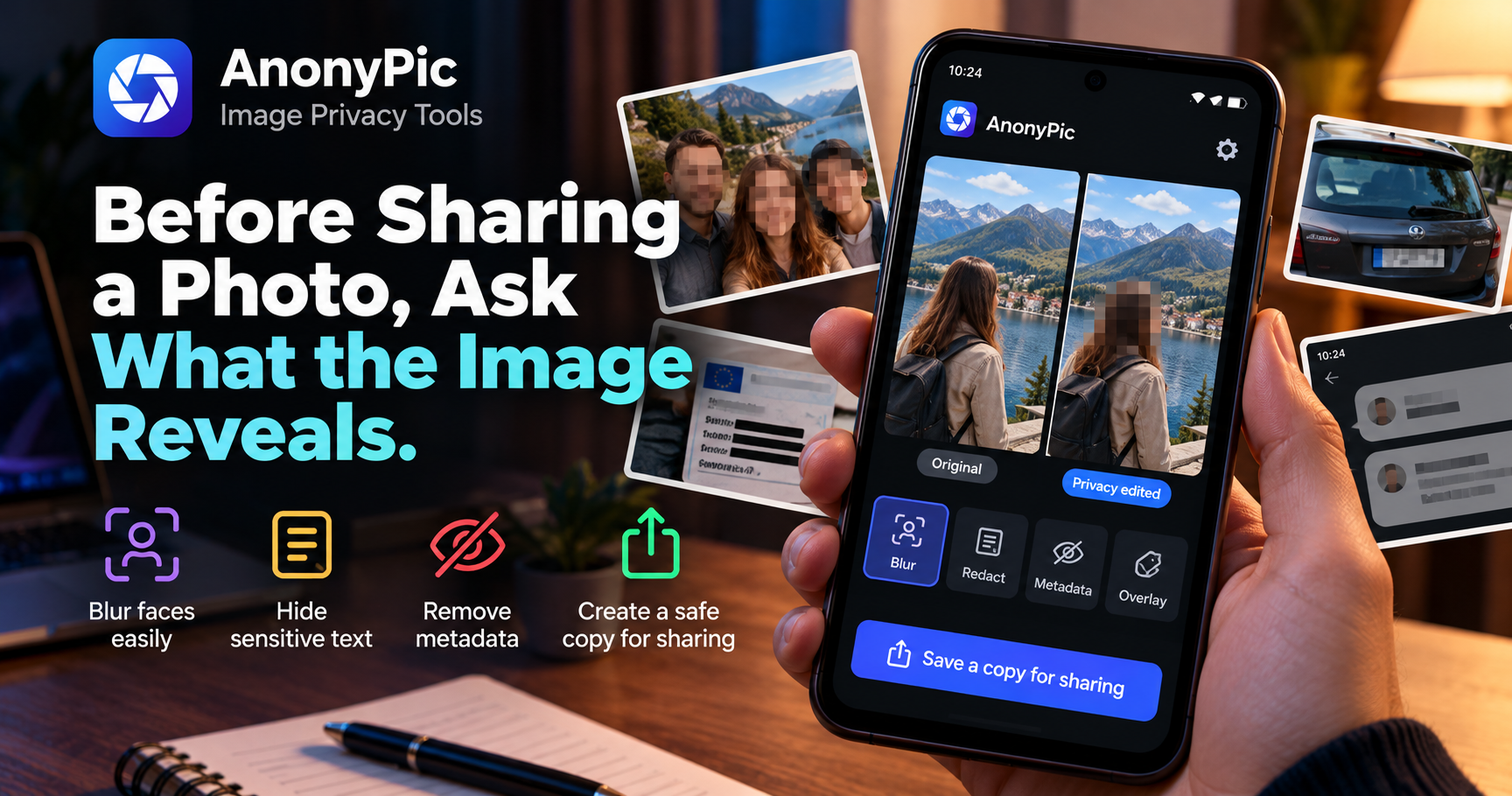
AnonyPic is designed to help prepare photos and screenshots before sharing.
It can help users:
- blur faces
- hide sensitive text
- cover private areas
- remove metadata
- create a separate privacy-edited copy
The goal is not to replace a full image editor.
It is to make common privacy edits quick enough that users actually perform them before sharing.
Final thoughts
Screenshots are useful because they preserve context.
That is also what makes them risky.
Before sending one, ask:
Which parts of this screen does the recipient genuinely need?
Everything else is a candidate for cropping, blurring, or redaction.
More about AnonyPic
About the author
- TSI Dev Studio builds privacy-focused and useful Android apps, with a focus on local-first design, simplicity, and user control.
Comments
Join the discussionNo comments yet. Be the first to comment.